There may be an occasion where you want to export an exhibitor list from Boomer. One great example is if you have many changes you'd like to make such as adding booth numbers. While you could open each exhibitor and/or order to make adjustments, it is more efficient to export an exhibitor list, make the changes in Excel, and then re-import the changes back into Boomer. To export:
- Open the event and click on the Exhibitors tab.
- Click "Export Exhibitor List" (note: security controls this option so if it is not visible above your Exhibitors grid, you do not have sufficient security rights to export a list).
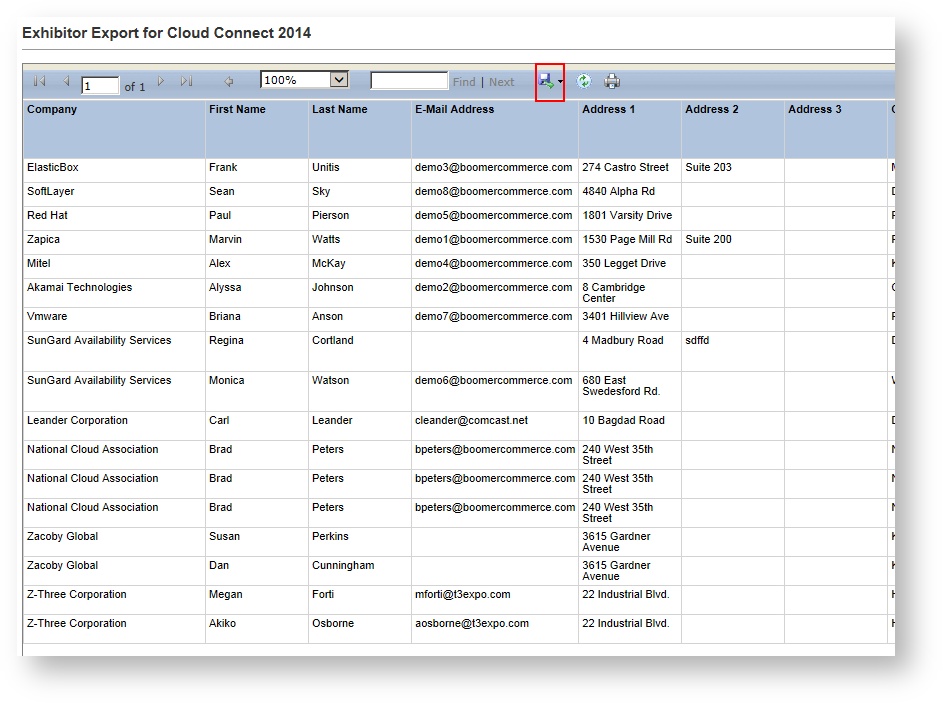
- A new dialog pops up with the exported list Click the blue disk at the top to export the list and choose Excel:
- Make any adjustments in Excel as necessary. To learn how to import an exhibitor list, see Importing an Exhibitor List.