- Open up the event and click on the "Exhibitors" sub menu.
- Find the exhibitor in the Exhibitors grid or use the search area at the top of the grid to enter criteria to find the exhibitor.
- Click on the Exhibitor's row to open up the details for the exhibitor.
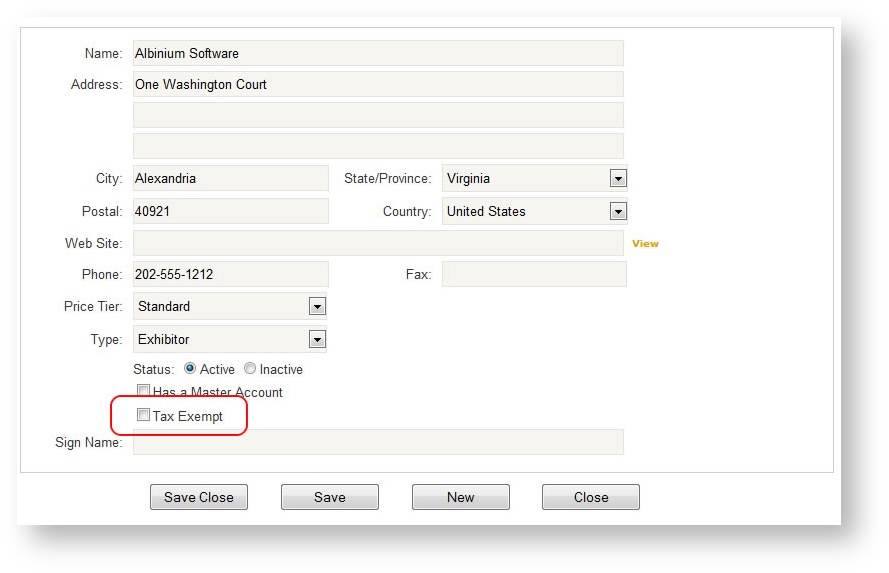
- At the very bottom of the screen, check the box "Tax Exempt".
If you are checking this box to make the customer tax exempt but there is already an existing order within the event for this customer, you will need to also go to the Customer Info area of the order and check the Tax Exempt box there See Customer Info.