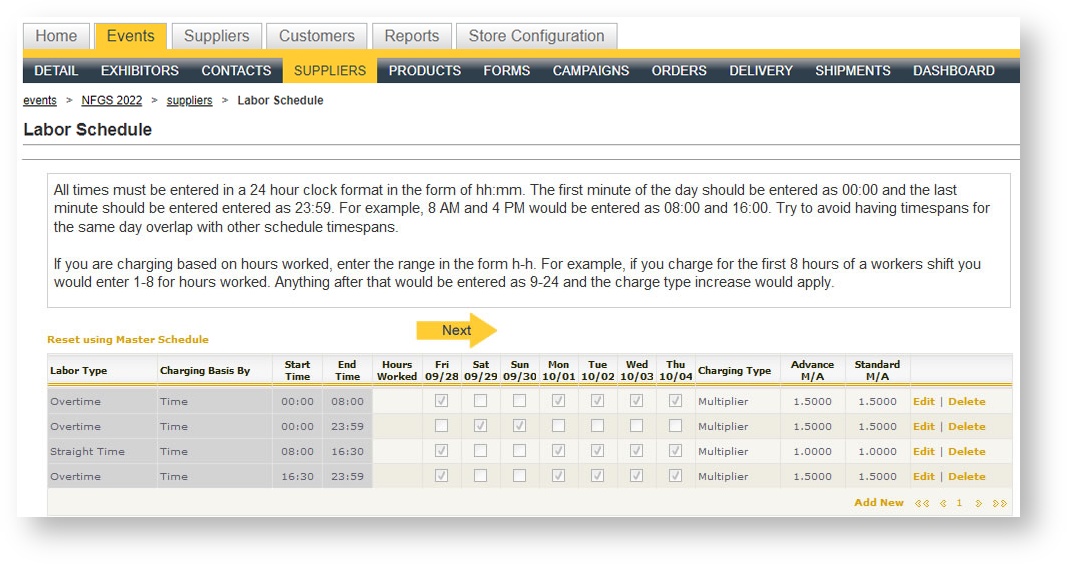
Labor schedules might need to be adjusted for a single event. Labor schedules are what determines the time periods that will be straight time, over time, double time and/or holidays. Usually the defaults will suffice; but sometimes you need to overwrite what is ST/OT/DT within an event. To do this:
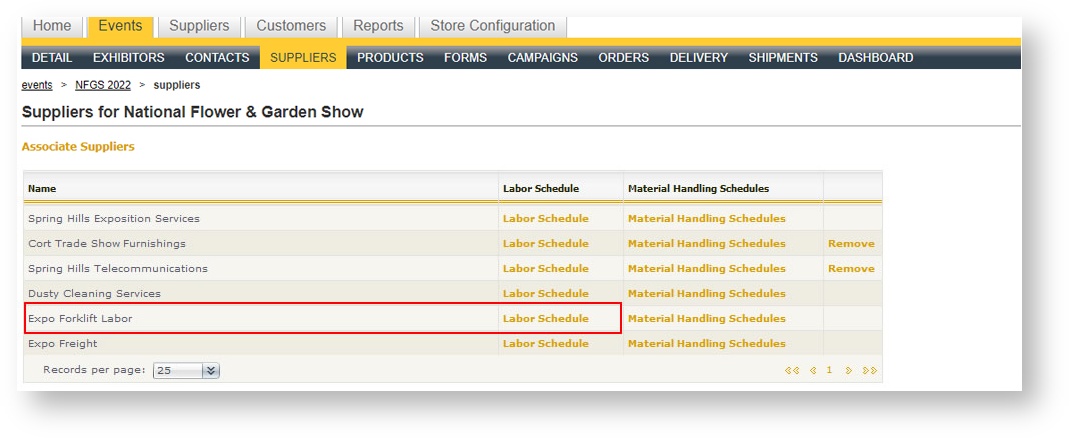
- Click on Suppliers within the Event
- Select "Labor Schedule" for the supplier containing the labor products.
- A grid with the default labor schedule for this supplier appears. Make adjustments to the row(s) as necessary.