Material handling schedules might need to be adjusted for a single event. To adjust the default pricing:
- Click on Suppliers within the Event
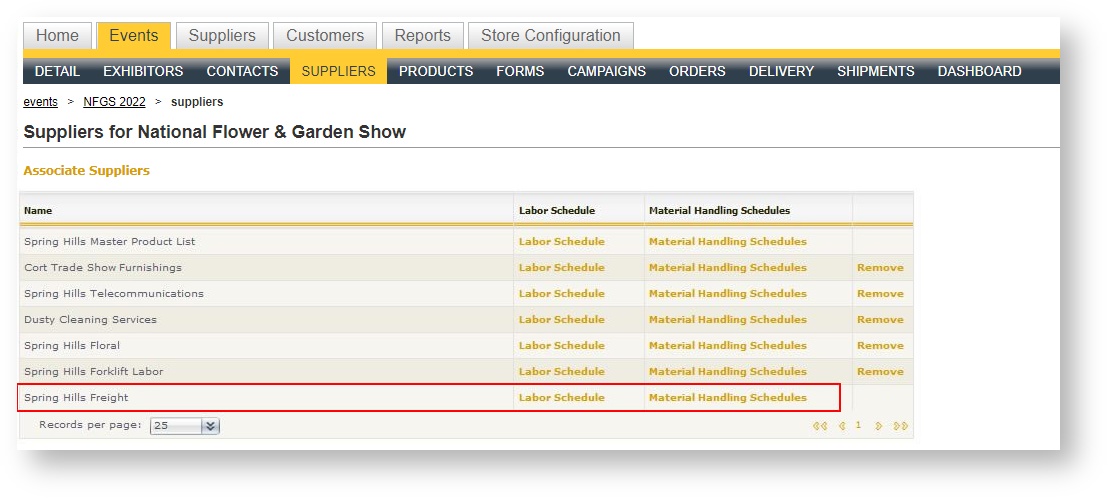
- Select "Material Handling Schedules" for the freight supplier. If you do not see the freight supplier, it may not be marked as an exclusive supplier that gets automatically linked when an event is created. Click "Associate Suppliers" above the grid to add the Freight supplier if that is the case:
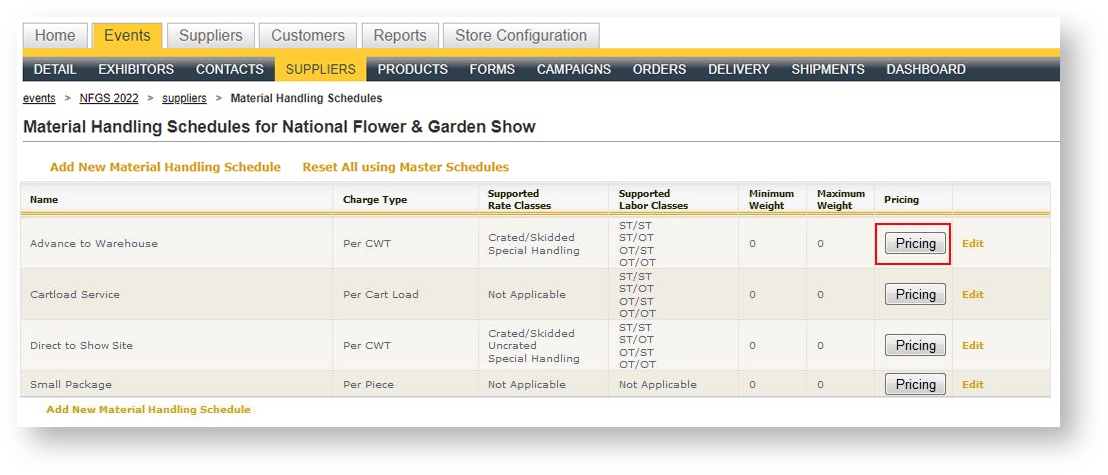
- A grid of all the material handling schedules for this supplier appears. Click the "Pricing" button in the row of the schedule you wish to modify:
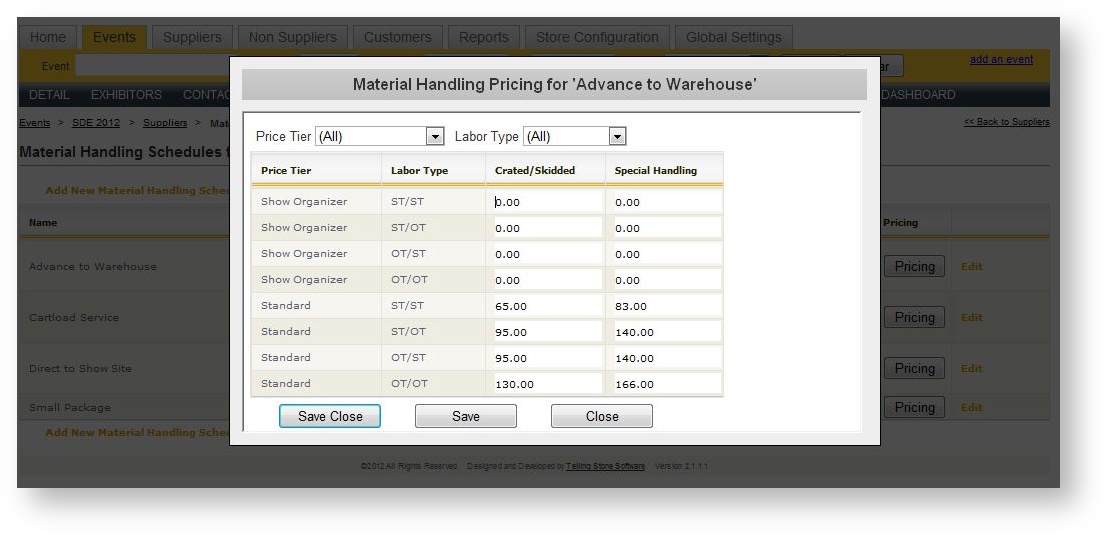
- Modify the pricing as desired and hit <Save> when complete: