There may be an occasion where an instruction is required to make a special request related to an item. To do this, refer to the following illustration and see the steps below:
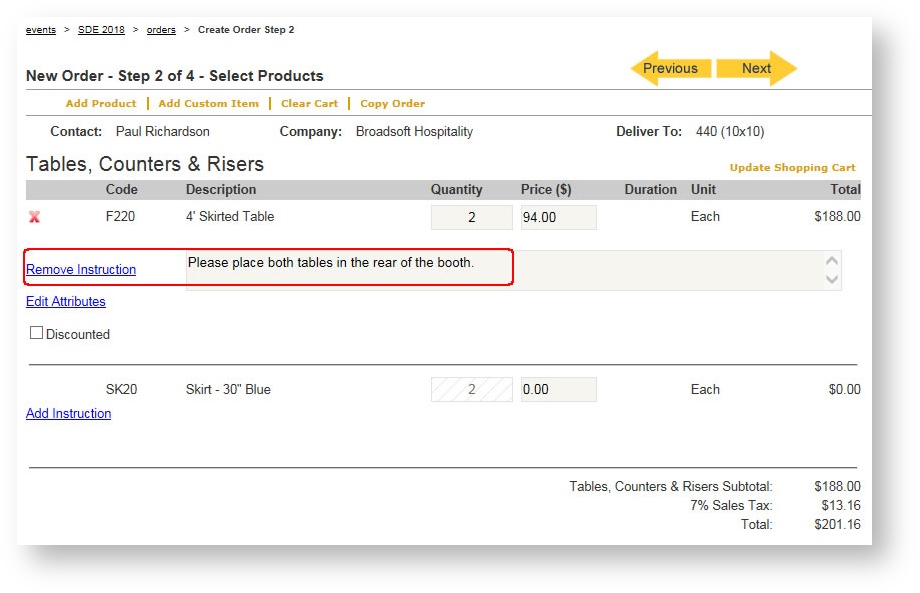
- Click "Add Instruction" for the item that needs the instruction.
- Type the instruction in the text box.
- Hit <Enter>
Any instructions created for products will appear on the order.