Before you can create work orders for show management, you'll need to enter them as a customer. Do this from within the Exhibitors grid of the event:
- Open the event
- Click on the Exhibitors sub menu option.
- Click "Add New Exhibitor"
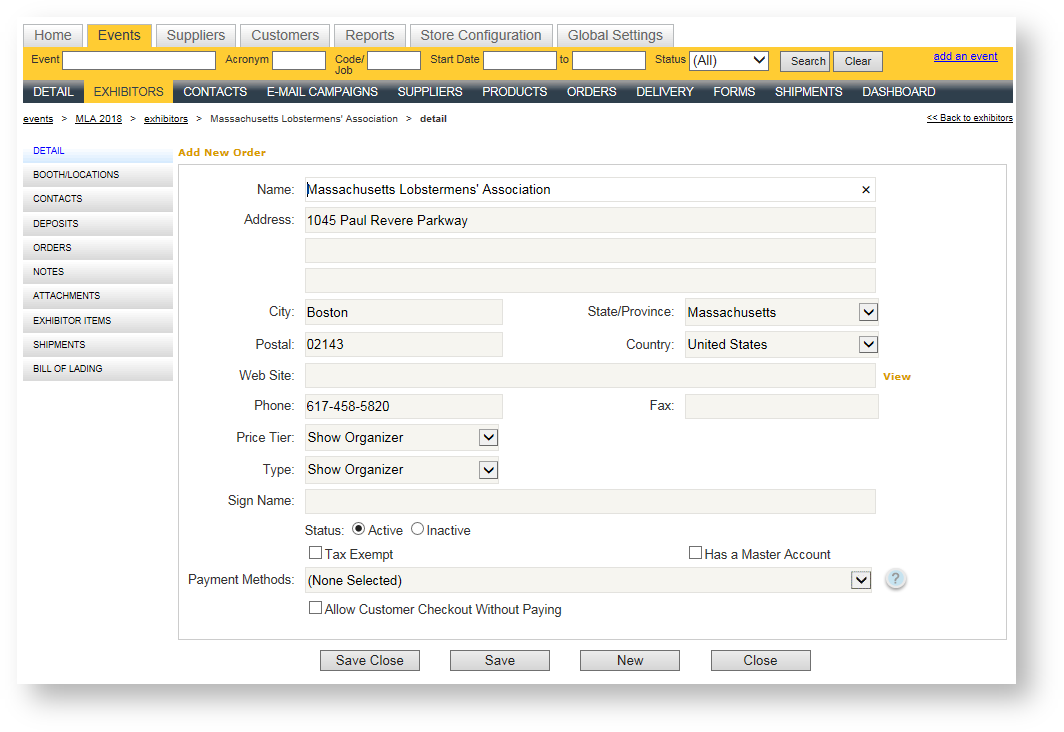
- Enter the company's name and address information.
- In the Price Tier field, choose "Show Organizer". This will apply any special pricing you establish for this type of customer when you create an order.
- In the Type field, choose "Show Organizer". This will allow you to filter in reports and segment the revenues for show management separately.
Once entered, your show management company should look similar to this: