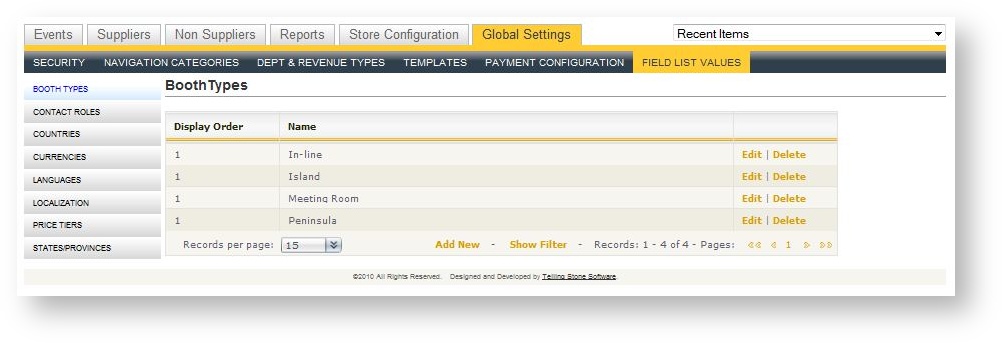
Accessed in Global Settings, field list values control several of the drop down list box values throughout Boomer Commerce. They include:
| Field Name | Description |
|---|---|
| Booth Types |
Types of booths that are available when creating an exhibit booth. |
| Contact Roles |
This is a system list that should not need to be adjusted. |
| Countries |
Add new countries beyond what comes preloaded in Boomer. To learn how to add a new country, click here. |
| Currencies |
This is a system list that should not need to be adjusted. |
| Languages |
This is a system list that should not need to be adjusted. |
| Localization |
This is a system list that should not need to be adjusted. |
| Price Tiers |
These are the available pricing levels definable for products in an event. Defaults include Standard Exhibitor, Show Organizer and VIP. |
|
States/Provinces |
Add new states and provinces beyond what comes preloaded in Boomer. To learn how to add a new state or province, click here. |
Most field list values do not need to be modified and should be adjusted only with the guidance of Telling Stone support. If a new value is needed, simply click "Add New" from any of the grids.