The Suppliers grid is accessed off the main Suppliers tab:
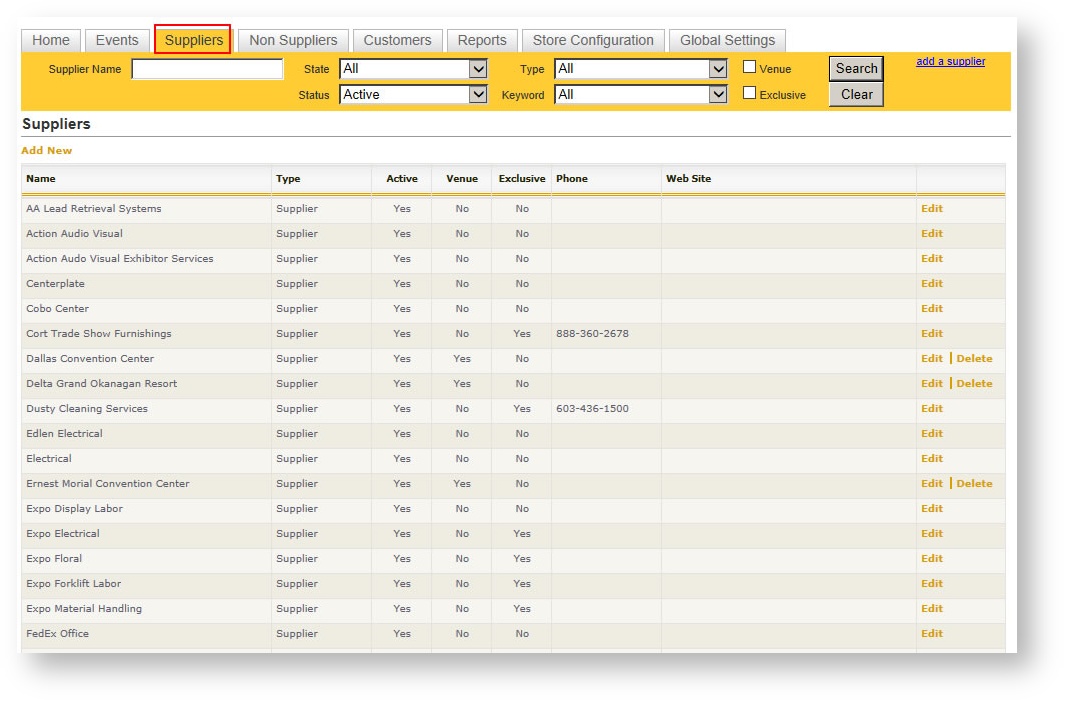
Supplier Search Area
Above the main Suppliers grid is a yellow search area. If your Supplier list is long, you might find these filters helpful to search for one or more supplier(s) based on key criteria:
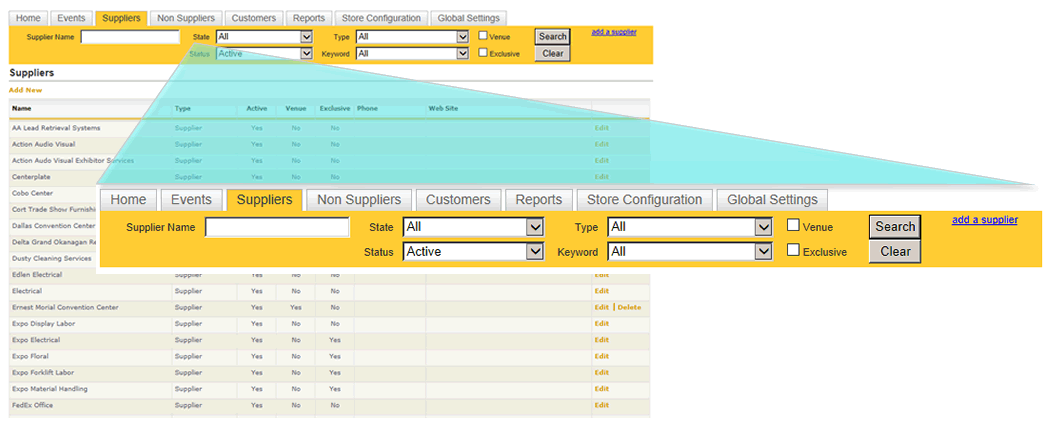
The available criteria includes:
| Field Name | Available Values |
|---|---|
| Supplier Name | Any free form value. |
| State | All states defined in the system. |
| Status | Active/Inactive. |
| Type | Supplier. General Service Contractor. |
| Keyword | List of keywords that have been defined for suppliers in your system (see Keywords for how to set up keywords for suppliers). |
| Venue |
Checkbox. Returns suppliers checked as as a venue. |
| Exclusive | Checkbox. Returns suppliers that are marked as exclusive. |
To perform a search, enter one or more criteria. To return to the full list of suppliers, click the Clear button in the yellow search area.