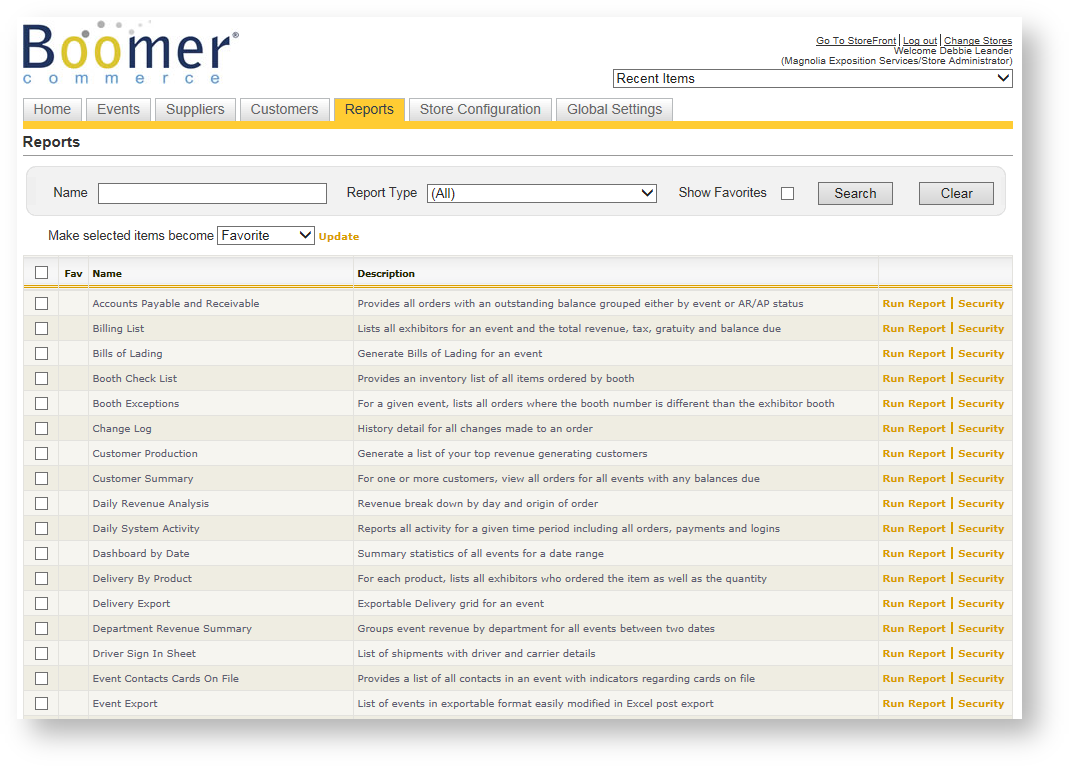
Boomer provides more than 100 reports, although the exact number of reports you see will be driven by the security role you've been assigned. You can use the filters and favorites to customize your list easily.
Filtering The Report List
You can filter on the report list by Name, Report Type and Favorites:
Name
Enter a partial word and click Search. Only reports that include that partial word in their name will be included.
Report Type
The reports have been grouped into categories based on their primary purpose. Use the Report Type to filter on those categories.
Favorites
You can mark any number reports as your favorites (see help topic below). When the "Show Favorites" box is checked, only your favorite reports will appear in the list. Even if you leave the Reports tab and come back, those same favorites are what will be in your list.
Report Favorites
Mark Report(s) Favorite
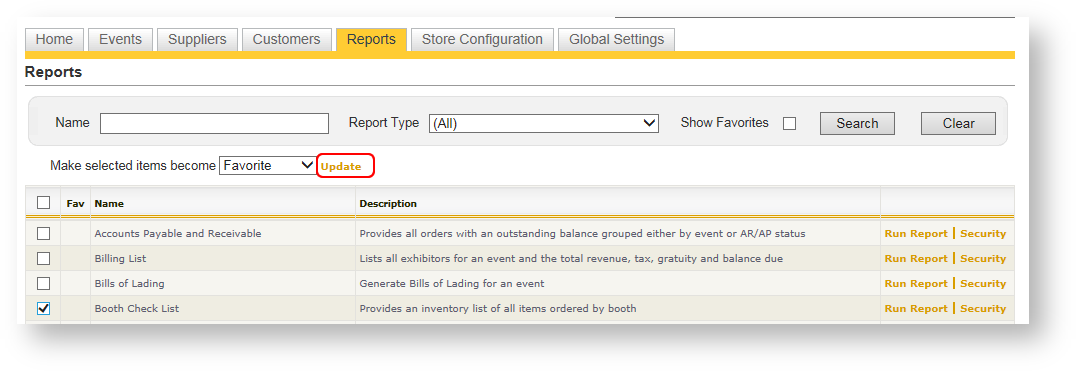
- Check the box next to any report you'd like to make your favorite (you can also first filter the list).
- Click "Update" near the drop down called "Make selected items become" box.
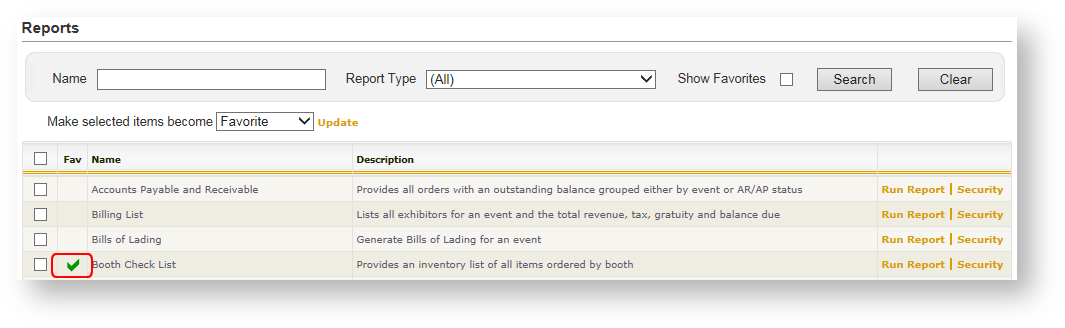
After making a report a favorite, a green check mark appears:
Mark Report(s) Not Favorite
If you no longer want a report to be marked as a favorite:
- Check the box next to the report you want to unfavor (you can also first filter the list).
- Change the "Make selected items become" drop down to "Not Favorite".
- Click the Update button.