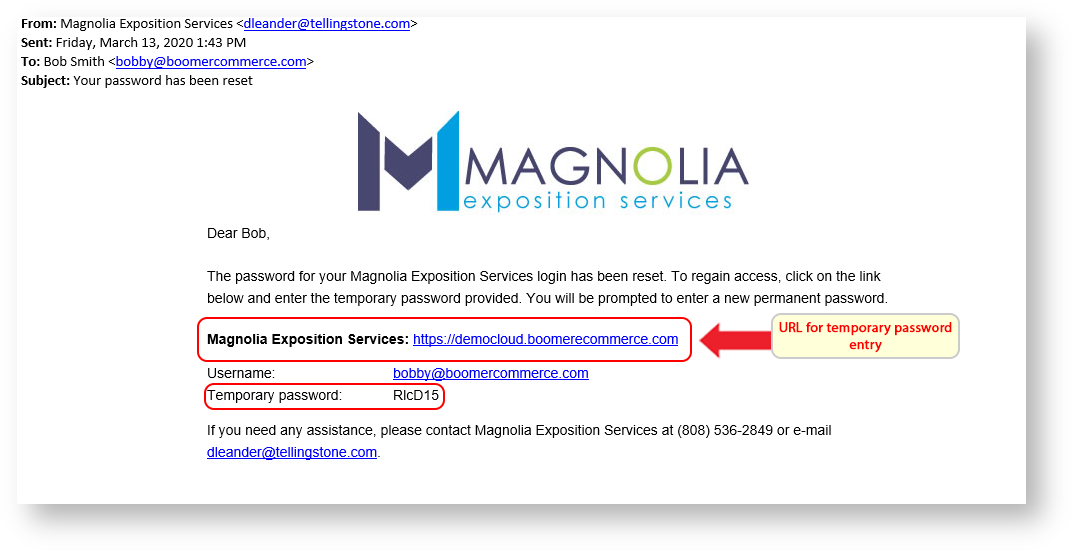
When a customer doesn't remember his/her password they should click on "Forgot Password" in the Login Box on the storefront. The email containing the temporary password may take a few minutes to arrive, depending on the email configuration settings we were provided (by you) during the setup process. If the customer has any issues the password can be reset at the Admin level. To reset a password from the Admin level visit Customer Password Resets.
- Click on forgot password.
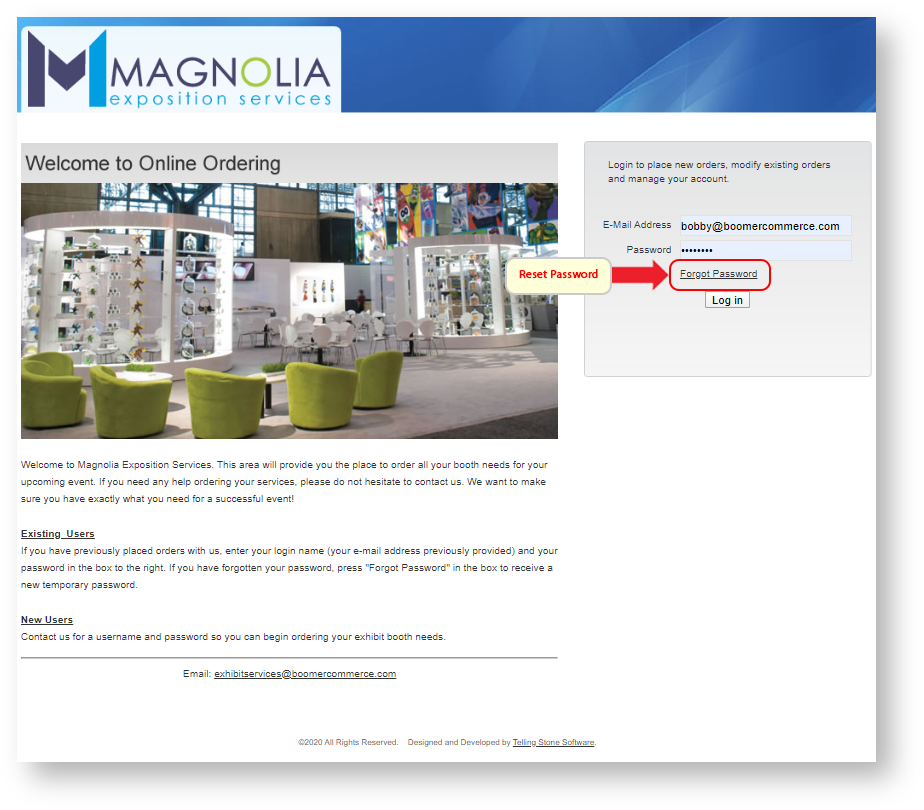
2. Confirm the email and click "Retrieve Password".
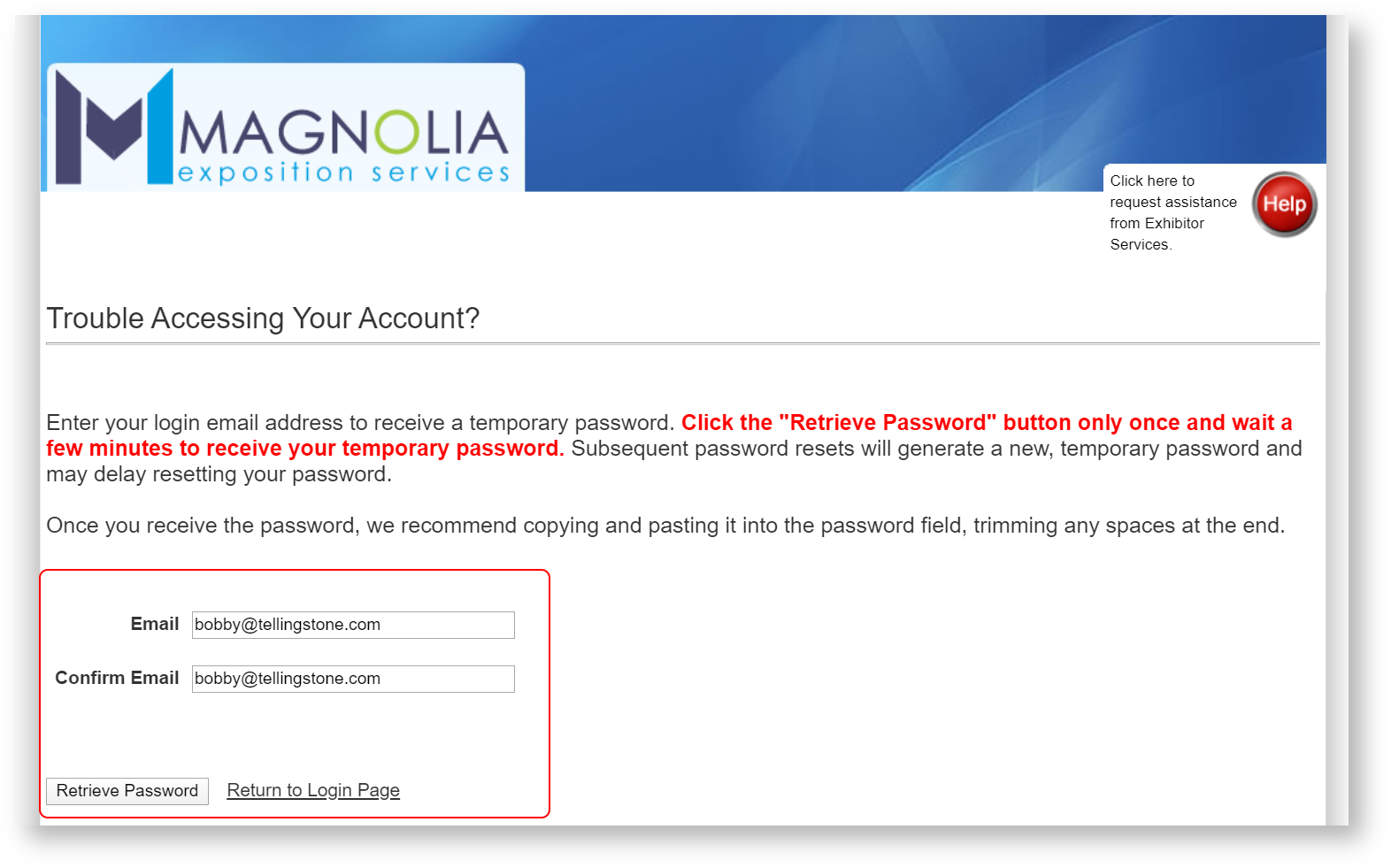
3. The customer will receive a password reset email. Click to highlight the temporary password, and then right click and choose "Copy" (Ctrl-C also works). Click on the link provided in the email and enter the temporary password.