- Cards on File
- Password
- Update Address
- View Orders
- Add a Note
- Upload Attachment
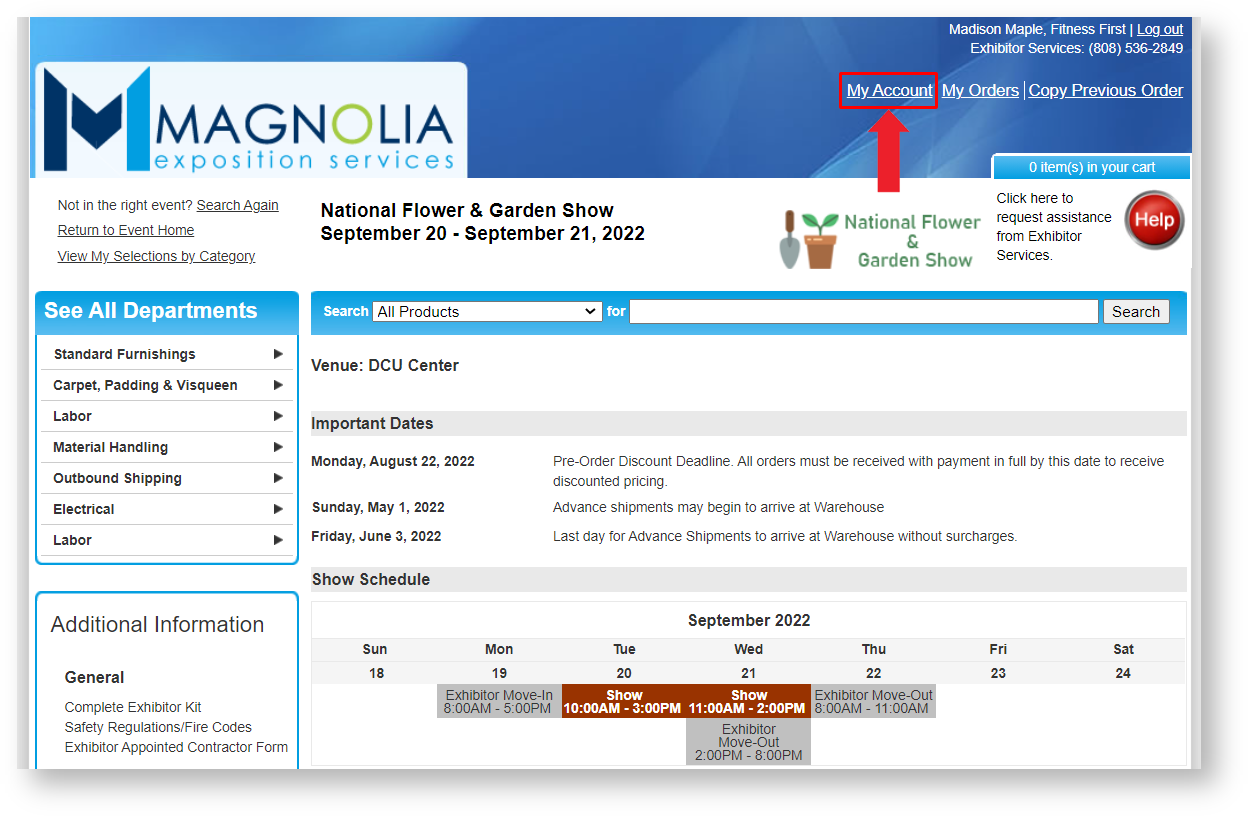
Step 1: Click on My Account in the upper right menu.
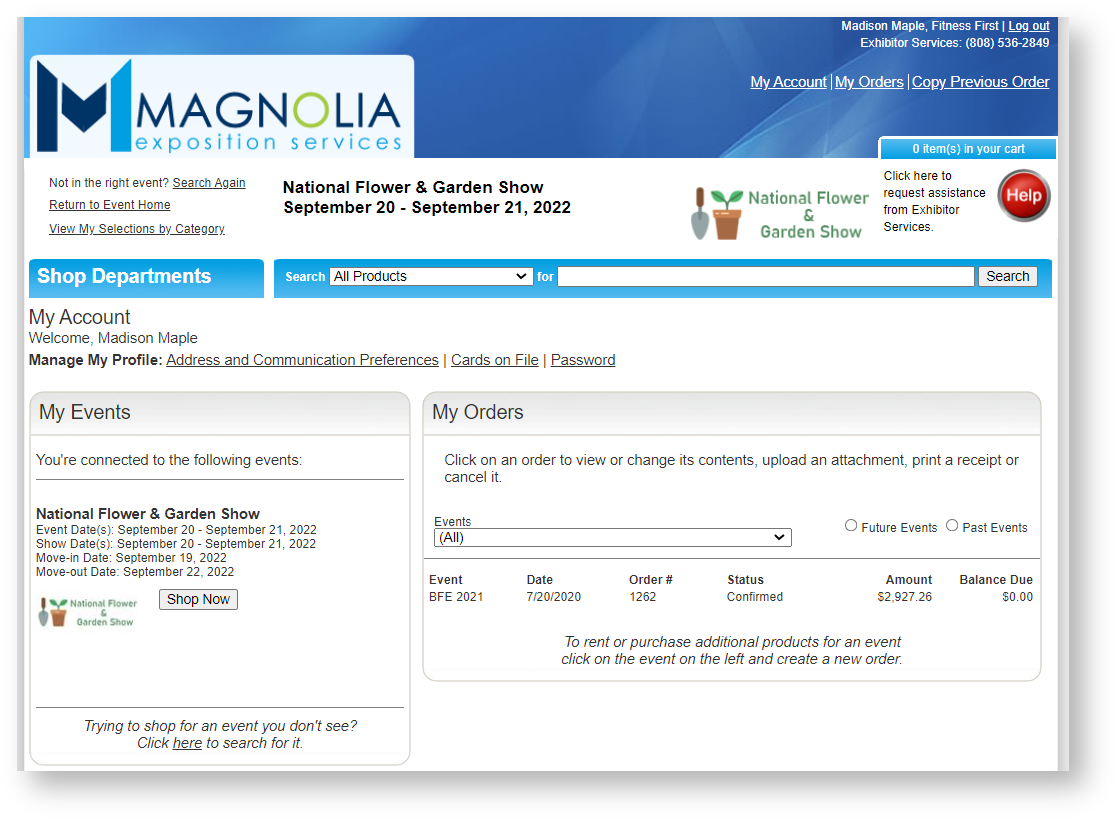
Step 2: Update Address & Communication Preferences, Cards on File, or Password.
Step 1: Click on My Account in the upper right menu.
Step 2: Update Address & Communication Preferences, Cards on File, or Password.
<%= block.description %>
<% } %>