If you have an exhibitor that has placed an order in the past, they have the ability to copy that order for an upcoming event.
To copy an order:
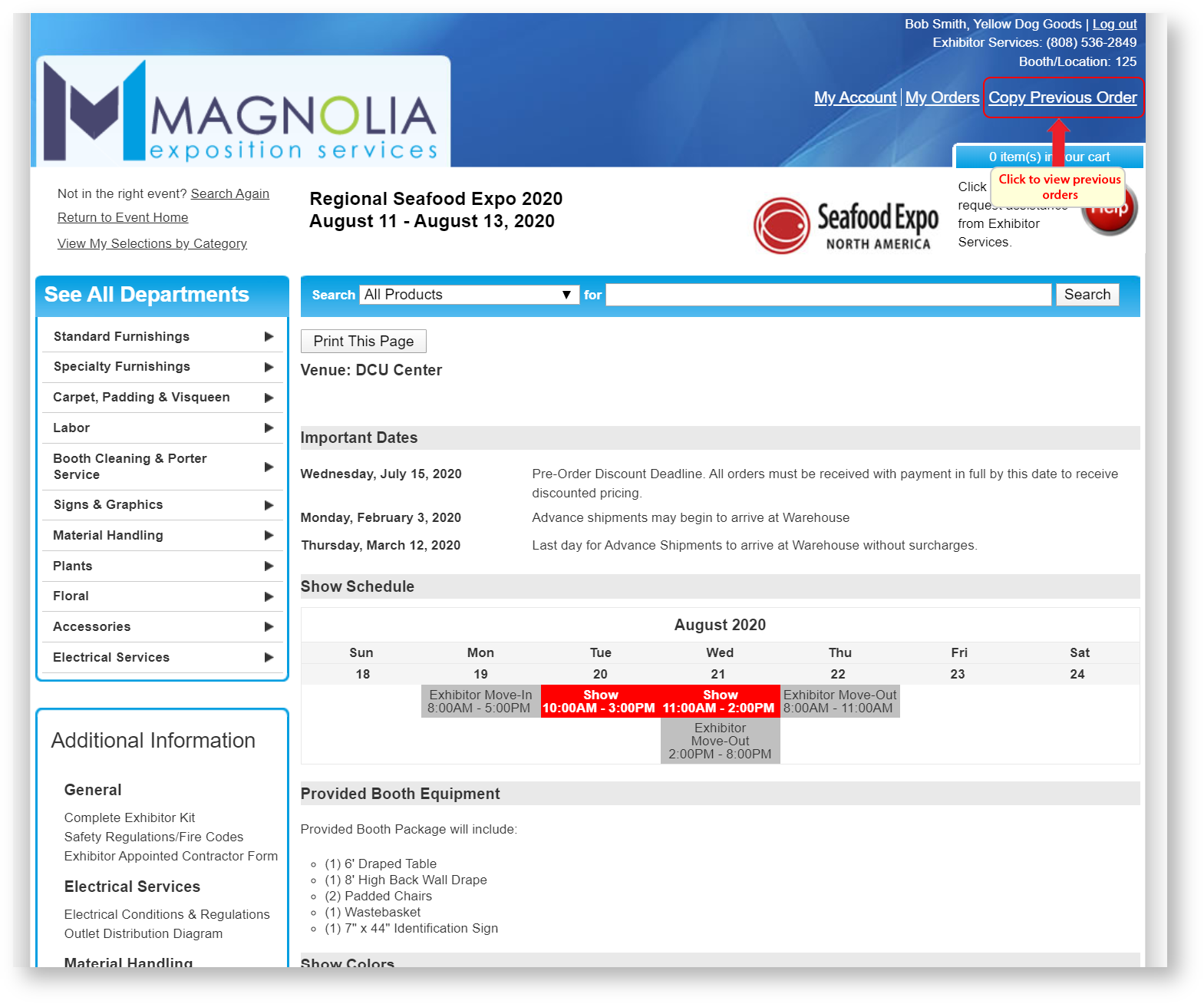
- Click "Copy Previous Order"
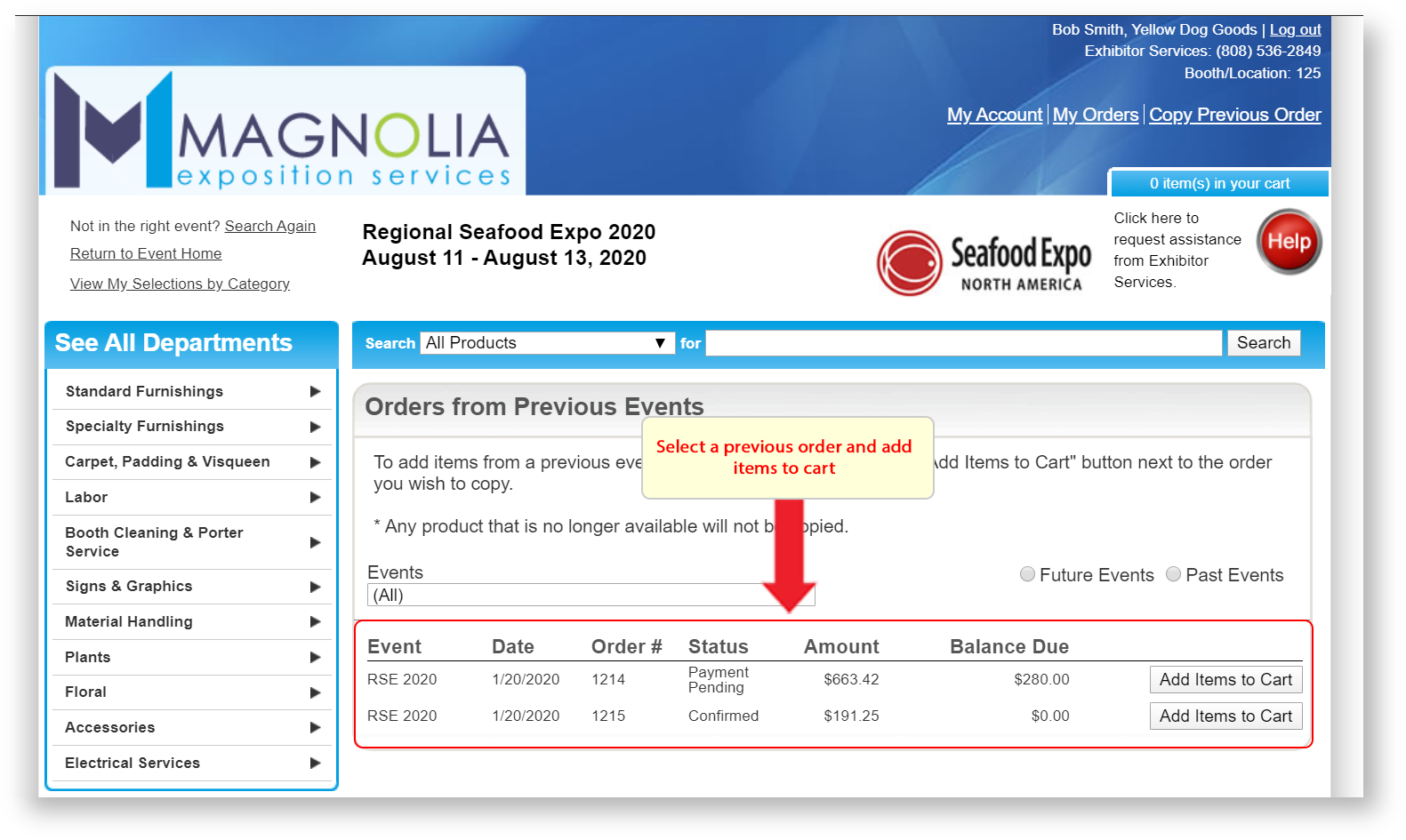
2. Select a previous order and add items to cart.
3. Add additional items by visiting the departments section.
Since pricing and product availability can vary on an event-by-event basis, it is important to note certain behavior during a copy:
- If a product is not available in the current event that was in the originating order's event, it will not be copied.
- If a product is marked as not being published in admin nor on the storefront in the new order's event, it will not be copied.
- If a product is marked as being published in admin only, it will not be copied if the copy is done by the customer on the storefront.
- A product's price will be updated to reflect whatever price is defined in your current event.
- Items in an order that represent shipment charges will not be copied.
- The shopping cart's revenue types will be re-calculated to reflect the event's venue taxes.