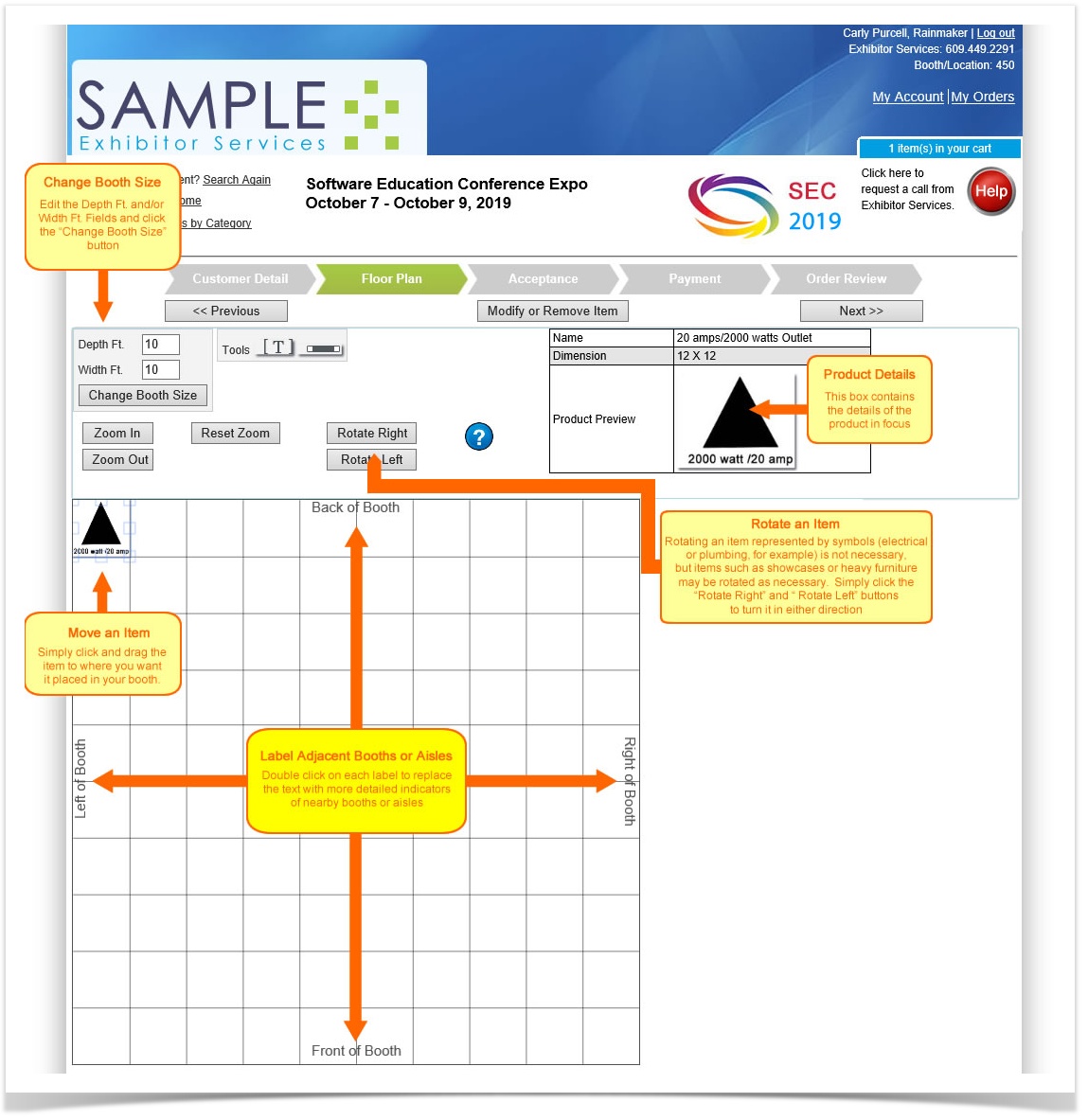
You may have ordered several items, but only those that require placement will appear in the diagram space.
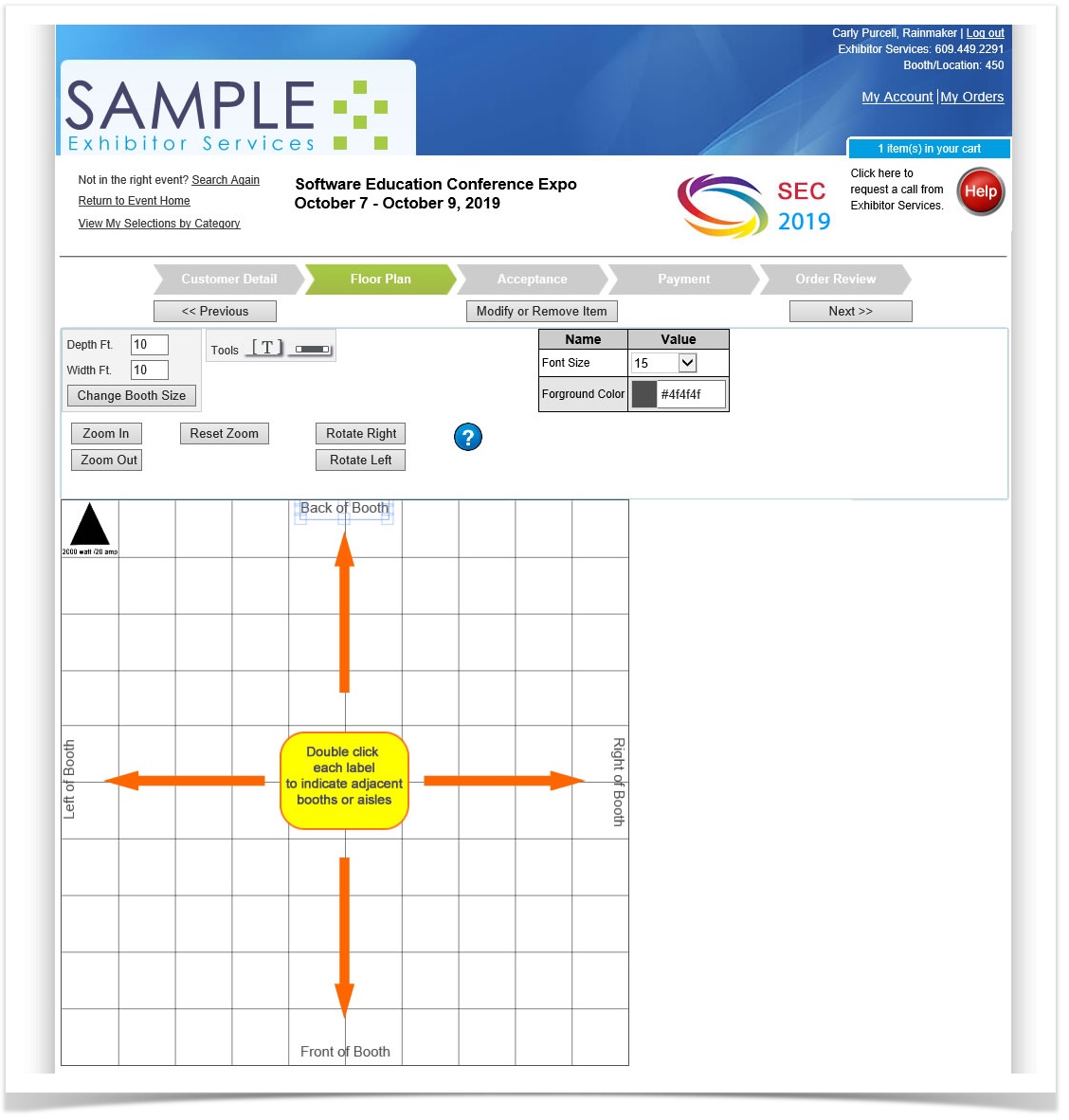
Adjacent Booths or Aisles
To indicate adjacent booths or aisles, double click each label to replace the text with more detailed ones.
Change Booth Size
The booth size defaults to a 10’x10’. To change your booths dimensions:
- Edit the Depth Ft. and/or Width Ft fields.
- Click "Change Booth Size".
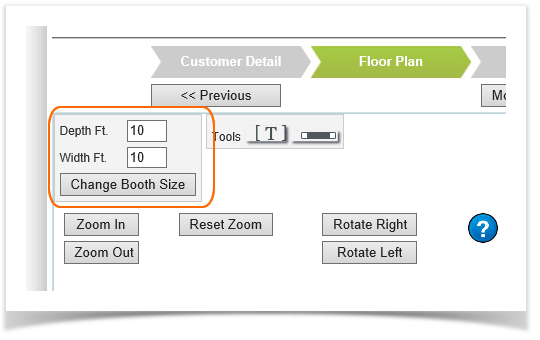
The booth diagram adjusts to your depth and width.
Move an Item
To move an item, simply click and drag the item to where you want it.
Rotate an Item
Rotating an item is probably not necessary for electrical or plumbing services since they are represented by symbols, but if there is something larger like a show case or table, the representing image may be rotated. Simply click the “Rotate Right” and “Rotate Left” buttons to turn it in either direction.
Multiple Item Display
If you have more than one item requiring placement, the current item’s details will appear in the detail box.
Once you’re done placing your items, hit Next to continue the checkout process. It’s that simple!