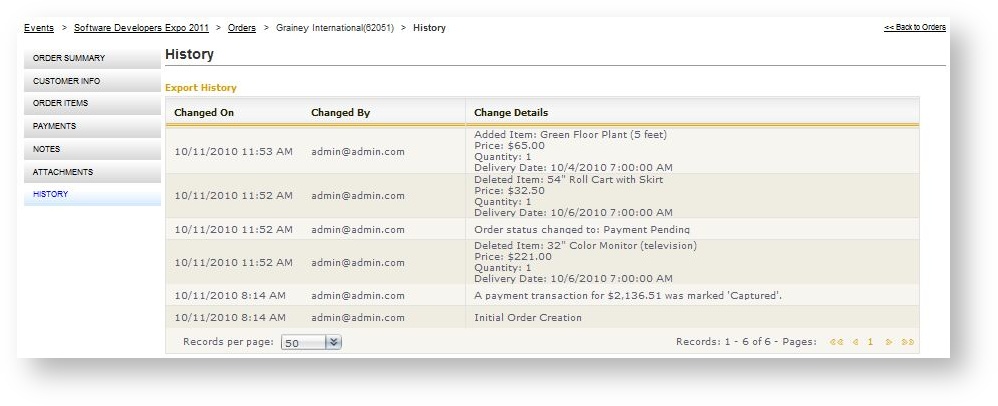
A history logs all activity that has taken place with the order. Then the order is initially created, a first entry records all the items in the order as well as quantity and price. Subsequent changes to the order are then recorded as they happen. The history includes payment processing details as well as products that are modified or removed. To access an order's history:
- Open the Order.
- Click "History" in the left navigation menu for the order.
The date/time stamp in the history log is driven by the time zone defined at the store level. See Store Configuration\Store Details.