Events
- In "Forms", a new check box when entering a form allows you to create a Forms entry that represents a Header rather than a form itself. This helps to organize your forms better.
To use the "header" indicator, check the below box in the Forms entry: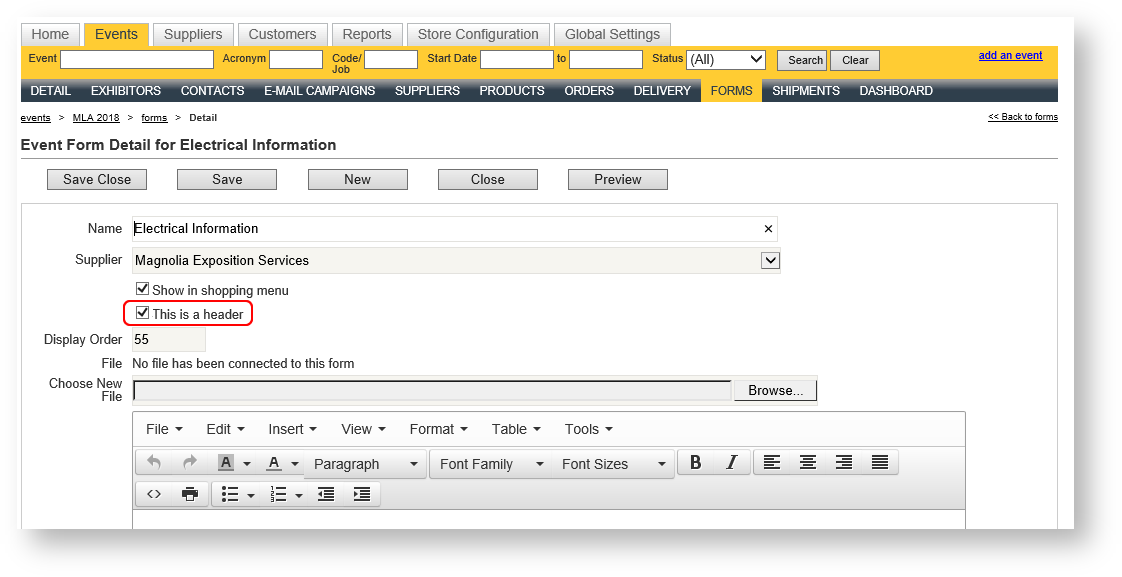
For a brief training video explanation on this new option, click here. - New check box filter at the top of the Contacts grid to show only "main contacts" in the event:

Customers
You can eliminate duplicate company records using the new "Merge" feature Read about it in the documentation topic here.
Reports
This release also provides better tools to manage the reports you use most often by marking them as favorites, and searching for them by name or category:
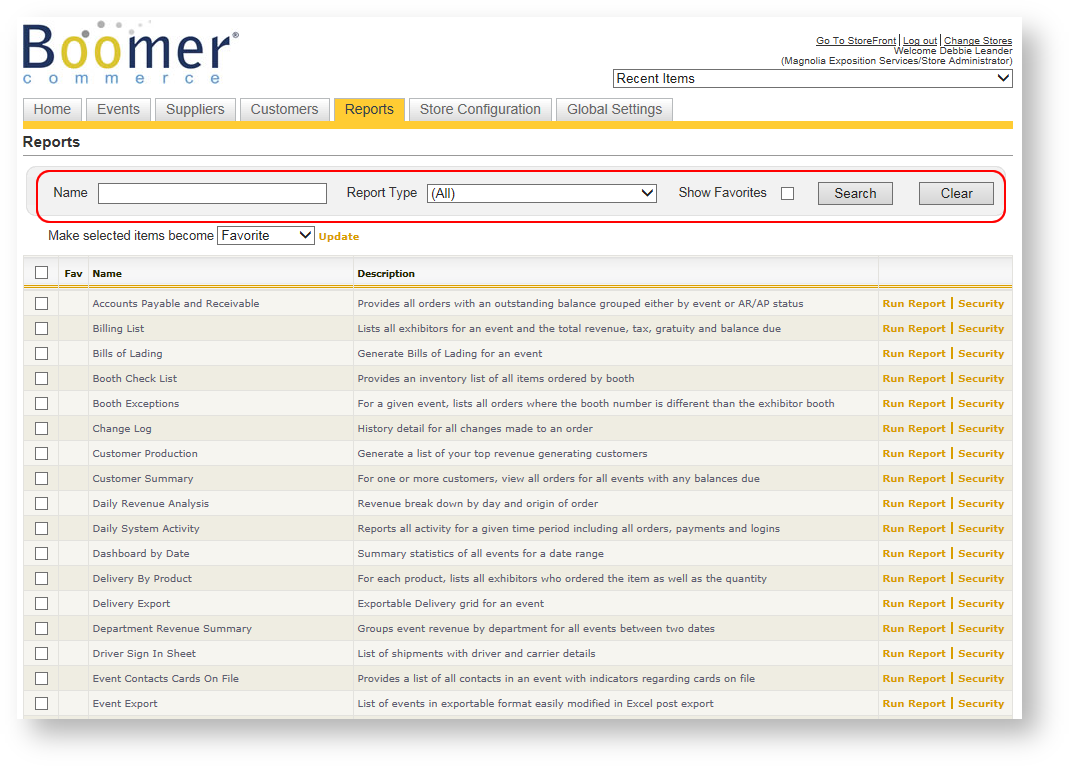
See this help topic for more information: Reports Grid.
As always, if you don't see a report referenced below that you are interested in trying, please reach out to support@tellingstone.com to have the report exposed as not all reports are exposed by default after an upgrade.
Enhancements to Existing Reports
- Small packages are now optionally included on the Freight Manifest report.
- A column to display the shipment's product has been added to the Freight Manifest - Detailed report.
New Reports
- Revenue by Venue Using Snapshots.
This report provides event totals including taxes. It is very similar to the Revenue by Venue report, but allows you to report what revenues are/were "as of" a certain date in time.
Bill of Lading
This release allows a customer to submit a request for an outbound bill of lading and pre-printed labels. Two brief but extremely useful videos on this topic include:
Configuring Boomer to Use the Bill of Lading (3.5 minutes).
Using Boomer's Bill of Lading (3.5 minutes).
A new email template called "Request for Bill of Lading and Labels (v 1.0) is also available to allow you to send instructions to exhibitors on how to access and request an outbound bill of lading and pre-printed labels. A example of the email template is below:
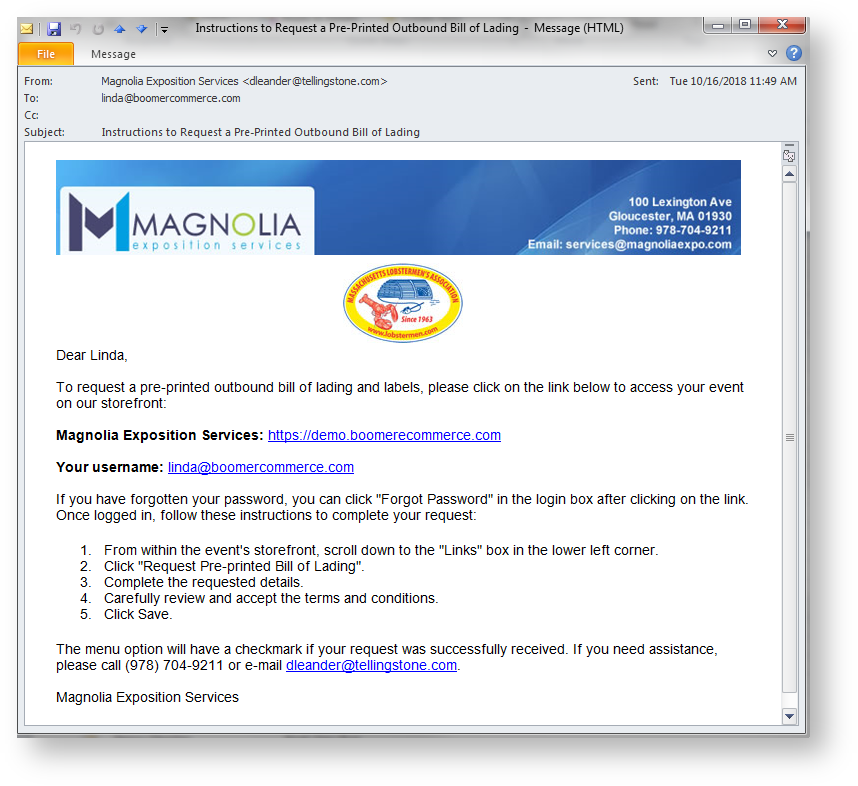
The full Bill of Lading help topic can be found here: Bills of Lading.