Available Reports
There are several reports listed in the main Reports area that support the show management process. They include:
Invoice - Show Management (Deposit)
Click on any report above to see details and an example. You can also run an individual Work Order from the "Run a Report" button within an order.
If you do not see one or more of the above reports, your security role may not have access to view them. Contact your system administrator to obtain access. If you are the system administrator and do not see them, contact Telling Stone.
Report Filtering
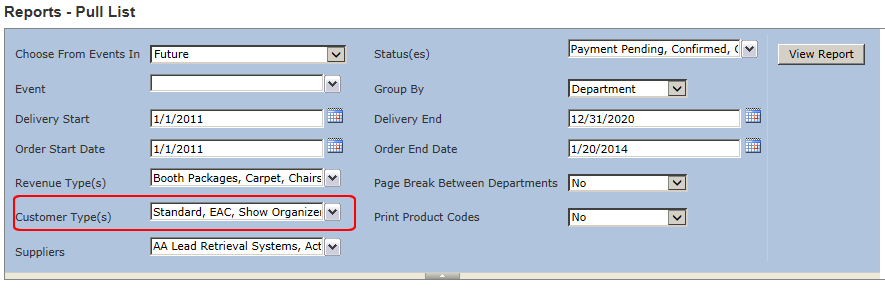
Most reports offer the ability to filter on Customer Type. If the report has this capability, you will see the "Customer Type(s)" parameter in the report parameter area. In the below example, the Pull List is including all customer types:
Event Dashboard
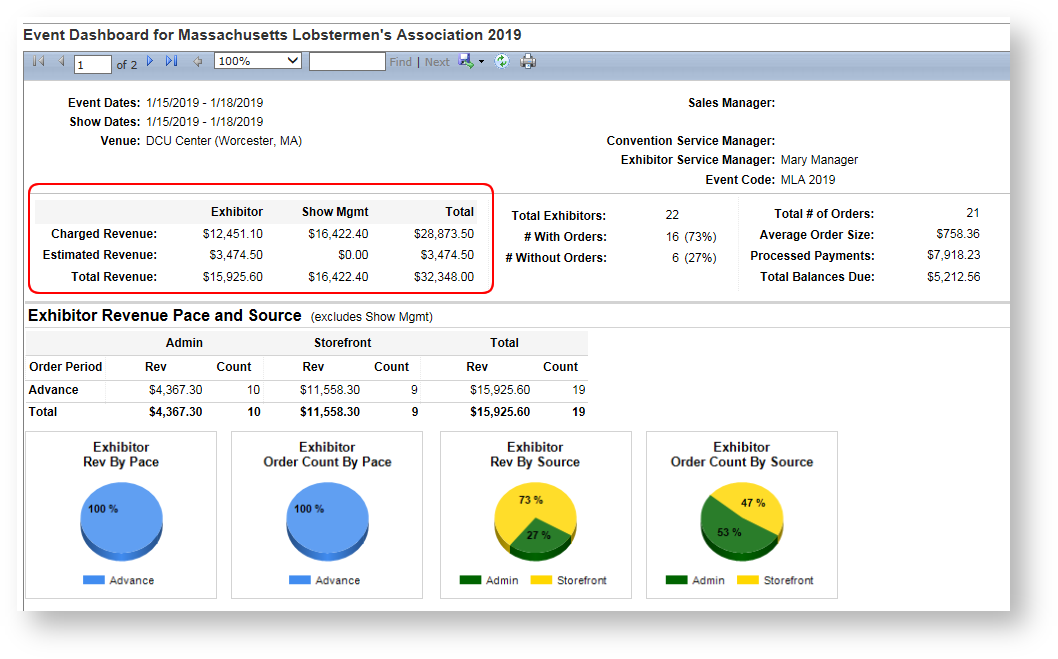
Many sections of the Event Dashboard categorize revenue by customer type. Here is one example: